

Do You Need to do Backups for QuickBooks?

QuickBooks Desktop
Backing up QuickBooks is a critical task for any business owner who relies on the software for their accounting and financial operations. QuickBooks Desktop is a powerful tool that helps businesses manage their finances, track expenses, and generate important reports, but it is also vulnerable to data loss and corruption. A backup of your QuickBooks data ensures that you have a copy of your financial information in case something goes wrong.
Here are some reasons why backing up QuickBooks is so important:
Protection against data loss: There are many things that can cause data loss, such as hardware failure, natural disasters, malware, or human error. If you do not have a backup of your QuickBooks data, you may lose all of your financial information, which can be devastating for your business. Having a backup ensures that you can quickly recover your data and continue running your business.
Compliance with regulations: Depending on your industry and location, you may be required by law to keep accurate financial records. If you do not have a backup of your QuickBooks data, you may not be able to provide the necessary documentation in case of an audit or investigation.
Peace of mind: Knowing that you have a backup of your QuickBooks data can give you peace of mind. If something goes wrong, you can quickly recover your data and avoid any disruptions to your business operations.
So, how can you back up your QuickBooks data? There are several options available, including:
QuickBooks Backup: This built-in feature allows you to create a backup of your QuickBooks data and save it to a local or external drive. It is recommended to use either a cloud connected drive such as Google Drive, Dropbox, or OneDrive.
Online Backup Services: There are several online backup services available that can automatically back up your QuickBooks data to the cloud. This service comes included with QuickBooks Desktop Enterprise subscriptions.
Manual Backup: You can also manually copy your QuickBooks data file to an external drive or another computer. Note: never keep your company working file in a cloud-backed up folder.

Aren’t automated server or scheduled backups enough?
Not necessarily. If you use QuickBooks in a multi-user environment, it is essential to still do manual backups in single-user mode. This along with the complete verification option selected, will also verify your QuickBooks data file for corruption. If there is a problem, then QuickBooks will prompt you to rebuild your data file in an attempt to fix the issues. Following this process will ensure that you are backing up a clean data file. It will also improve the performance when working in QuickBooks.
Quickbooks online
You don't need to worry about saving your QuickBooks data on a flash drive because QuickBooks Online automatically backs your data up with the same level of security used by banks and financial institutions.
Data security is a first priority for Intuit, the company that created QuickBooks.
How does Intuit keep your data safe and secure?
Whenever there are changes to your company file, your data is saved to two hard drives.
They periodically copy all data to a third-party hard drive in order to protect your data in case something happens to the first two hard drives.
Automatic backups are performed every night.
Should I still back up my QuickBooks Online data?
You should, if you want to restore your data to specific point in time. If you subscribe to the QuickBooks Online Advanced subscription, the option to back up to a 3rd party app is included. For the other subscription levels, Rewind is a 3rd party app that can provide daily automatic backups, for a fee.
No matter which method you choose, it is important to back up your QuickBooks data regularly. Ideally, you should back up your data at least once a week or more frequently if your business operations generate a lot of transactions.
Backing up your QuickBooks data is a critical task that should not be overlooked. It is important to protect your financial information from data loss, comply with regulations, and ensure business continuity. By backing up your QuickBooks data regularly, you can enjoy peace of mind and focus on growing your business.

This Once Popular QuickBooks Software is Going Away

QuickBooks Desktop Point of Sale, a popular software solution for retailers, has recently been discontinued by Intuit. There will be no future versions of QuickBooks Desktop Point of Sale software and they will no longer sell QuickBooks Desktop Point of Sale 19.0 to new customers. They are working with Shopify to provide an optional POS solution. While the software will continue to work for existing users, Intuit will no longer offer support, updates, or patches for the software. This means that users who continue to use the software may be at risk of security vulnerabilities, software glitches, and other issues that could negatively impact their business operations.
In addition to the QuickBooks Desktop Point of Sale software being discontinued, the following connected services will also be turned off on October 3, 2023:
•QuickBooks Point of Sale Payments
•QuickBooks Point of Sale Gift Card Service
•Mobile Sync
•Store Exchange
•E-commerce integration with Webgility
•Support Plans including Live Support (phone, email, chat)
•Vendor Lookup Service
If you are a current user of QuickBooks Desktop Point of Sale, it is important to start thinking about transitioning to a new point-of-sale solution. While this may seem like a daunting task, there are many options available that can help streamline your operations and improve your bottom line.
If you are unsure of which point-of-sale solution to switch to, consider consulting with us to determine the best solution that meets your business’ specific requirements.
In conclusion, while the discontinuation of QuickBooks Desktop Point of Sale may seem like a challenge for retailers, it is also an opportunity to reassess your business operations and find a more efficient and effective point-of-sale solution. By taking the time to research and evaluate different options, you can find a solution that works for your business and helps you achieve your goals.
1099s: Understanding the Basics
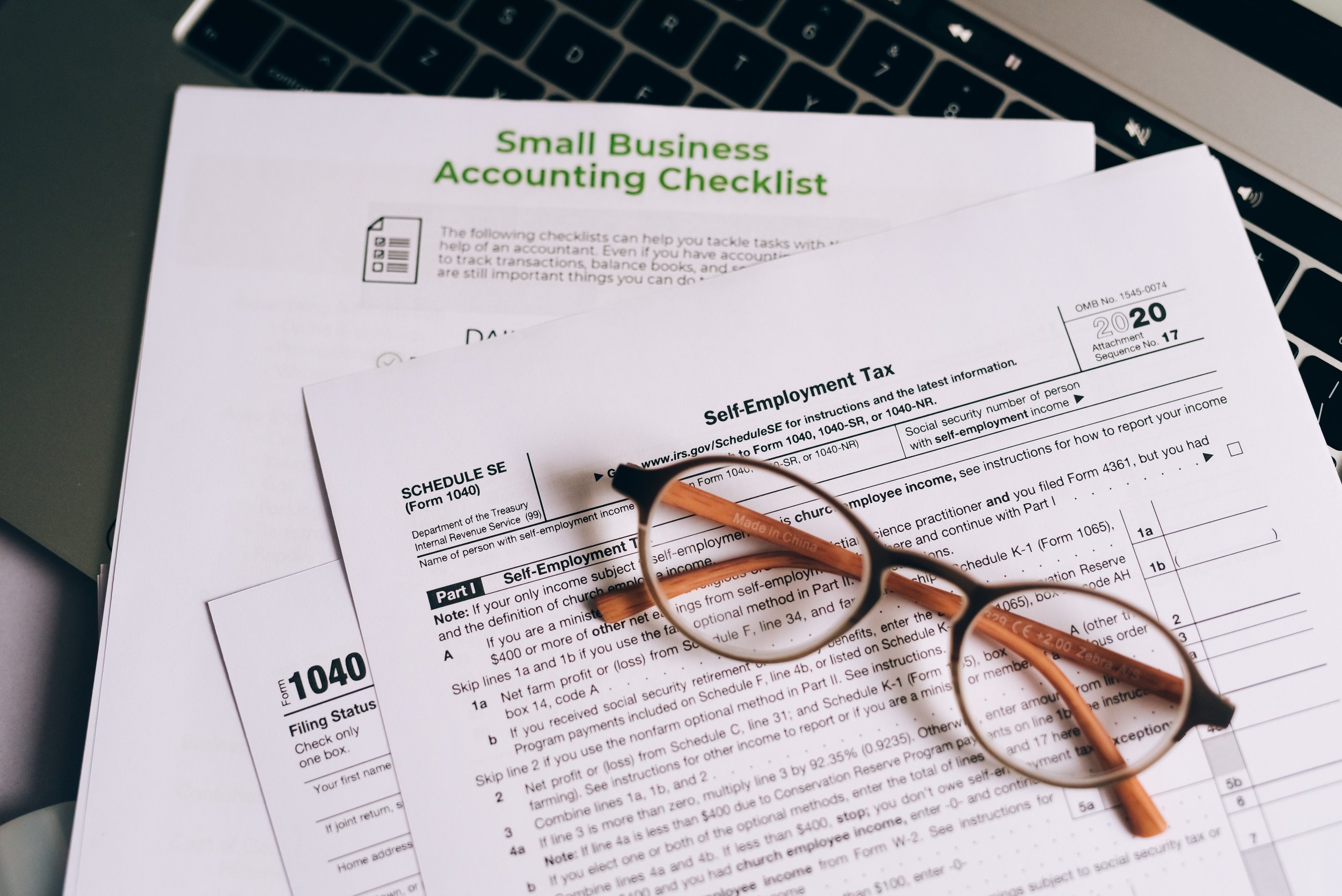
As a small business owner, it's important to understand the tax implications of hiring independent contractors. One of the most important forms to be aware of is the 1099-NEC. In this blog post, we'll cover the basics of 1099s and how they affect your business.
First, it's important to understand that a 1099-NEC is a tax form that is used to report income received by an independent contractor. In other words, if you hire someone who is not an employee (such as a freelancer or consultant), you'll need to issue a 1099-NEC to that person and the IRS.
The deadline for issuing 1099s to independent contractors is January 31st of the year following the year the payments were made. So, for example, if you made payments to an independent contractor in 2022, you'll need to issue a 1099-NEC by January 31, 2023.
It's also important to note that there are certain thresholds that determine whether or not you need to issue a 1099-NEC. For example, if you paid an independent contractor $600 or more in a calendar year, you'll need to issue a 1099-NEC.
When it comes to preparing and issuing 1099s, there are a few options. Some businesses prefer to do it manually, which involves filling out the form by hand and mailing it to the independent contractor and the IRS. However, this can be time-consuming and error-prone.
An alternative option is to use an online service like QuickBooks Online, which can automate the process and make it more efficient. With QuickBooks Online, you can easily generate 1099s for all of your independent contractors and then e-file them to the IRS. This can save you a lot of time and hassle, and also help you avoid errors.
It's also important to note that if you fail to issue a 1099-NEC when required, you may be subject to penalties. The IRS can impose fines for failing to file, so it's important to make sure you're in compliance with the rules.
In conclusion, 1099s are an important aspect of hiring independent contractors and should be taken seriously. By understanding the basics of 1099s and how they affect your business, you can ensure compliance and avoid any penalties. Utilizing software such as QuickBooks Online can also make the process more efficient and streamlined.